.
.To make a set-up correction to an Office Employee Roster:
•From the Office Employee Roster screen main menu, click the ‘Edit’
button .
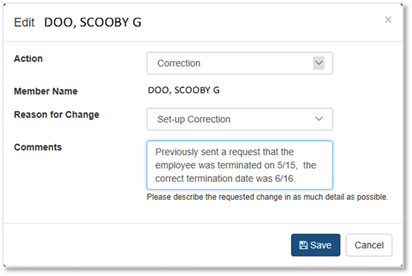
•Select ‘Correction’.
•Complete the ‘Edit’ dialog box when it appears.
•In the ‘Comments’ field, please describe the requested change in as much detail as possible.
•Click ‘Save’
•When the confirmation window appears, click ‘OK’.